Precision. Simplicity. Control.
GTXRaster CAD provides easy access to raster drawings for editing or conversion into vector format. With automatic conversion and the GTX Intelligent Object Picking (IOP), it streamlines both large-scale projects and the handling of individual drawings.
Automatic raster-to-vector conversion
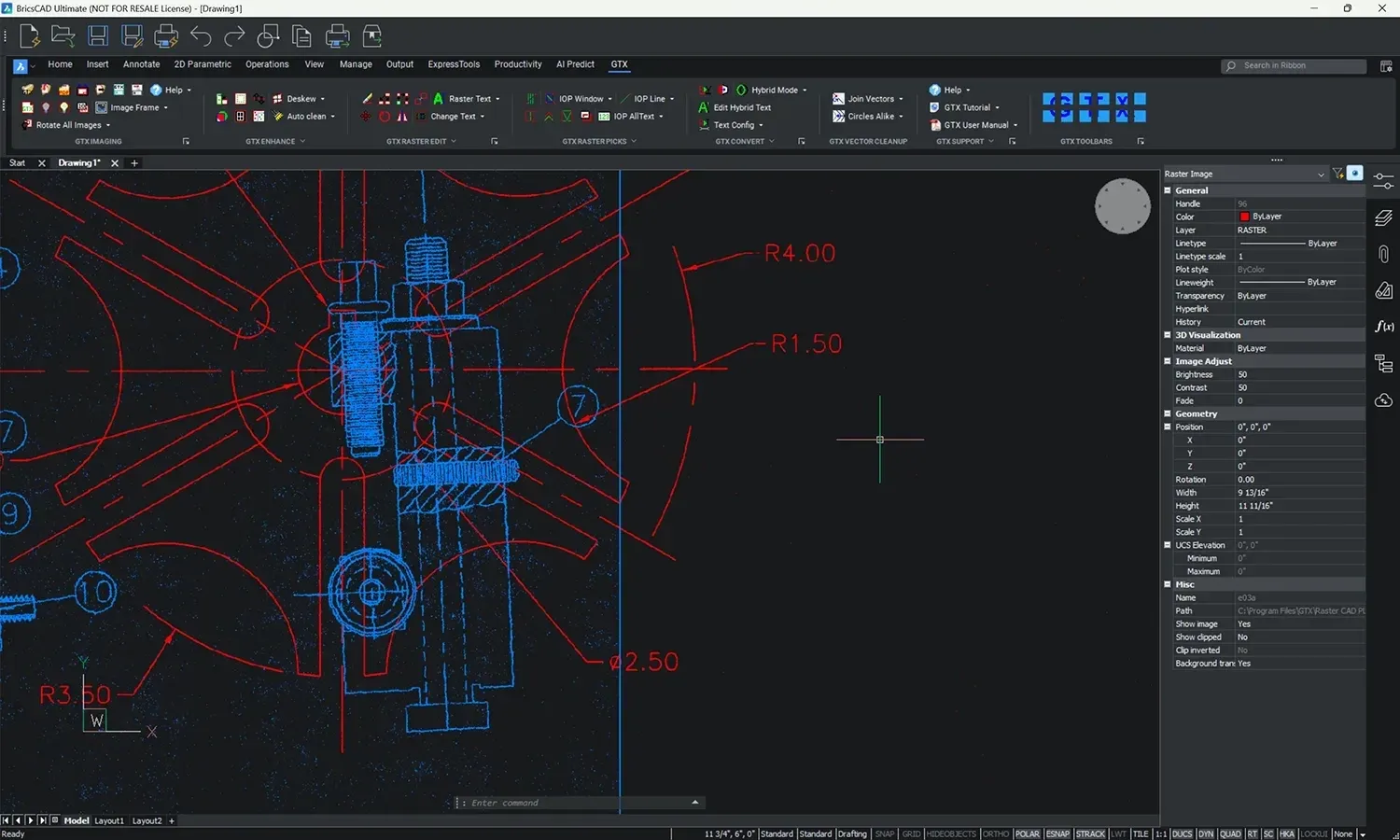
GTX converts raster images into vector CAD files with minimal manual intervention, eliminating tedious hand-tracing to ensure faster design revisions. You can generate clean, precise vector drawings from scanned images, fully compatible with AutoCAD® standards (DWG, DXF).
Hybrid CAD editing
Engineers often need to modify scanned drawings without fully converting them into vector files, a process that can be time-consuming and error-prone. GTX provides hybrid raster and vector editing, allowing seamless integration within CAD environments like AutoCAD®, BricsCAD® and ZWCAD® to ensure an efficient workflow.
Modify without redrawing
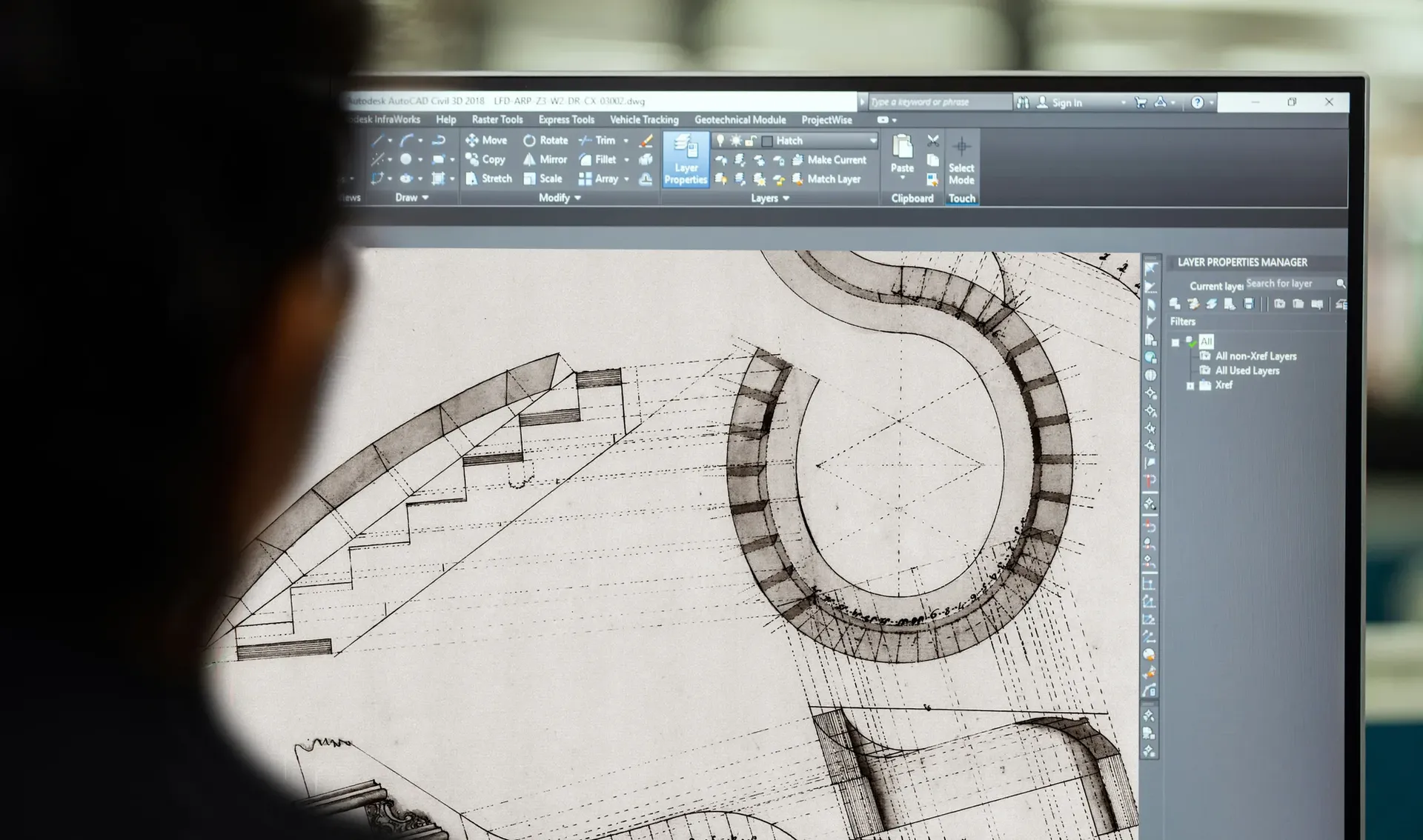
GTX recognizes individual raster elements and treats them as CAD objects for editing and modification. You can modify specific components without affecting the entire image, directly within your preferred CAD tool.
Fast modifications without full vectorization
GTX allows simultaneous editing of raster and vector data within the same environment. When you work with historical drawings you can overlay vector updates while preserving existing raster details.
Engineering drawing revision & control
Engineers in manufacturing, telecom, aerospace, infrastructure and other sectors often face challenges with old archives, inconsistent storage formats, and slow retrieval times that impact efficiency.

Improve accessibility
GTXRaster CAD® ensures that all legacy drawings remain accessible in your digital archive. GTXRaster CAD supports all raster image formats, reducing retrieval delays, errors, and inefficiencies.
Ensure file format consistency
GTXRaster CAD helps convert legacy drawings into standardized formats (DWG, DXF), ensuring full compatibility with your CAD software and workflows while maintaining data integrity.
GTX.
Work smarter with your legacy archive.
Bring legacy drawings into your modern digital CAD environment

Raster clean-up and enhancements

Hybrid mode with vector overlays

Fast & automated conversion to vector format

Efficiency Improvements
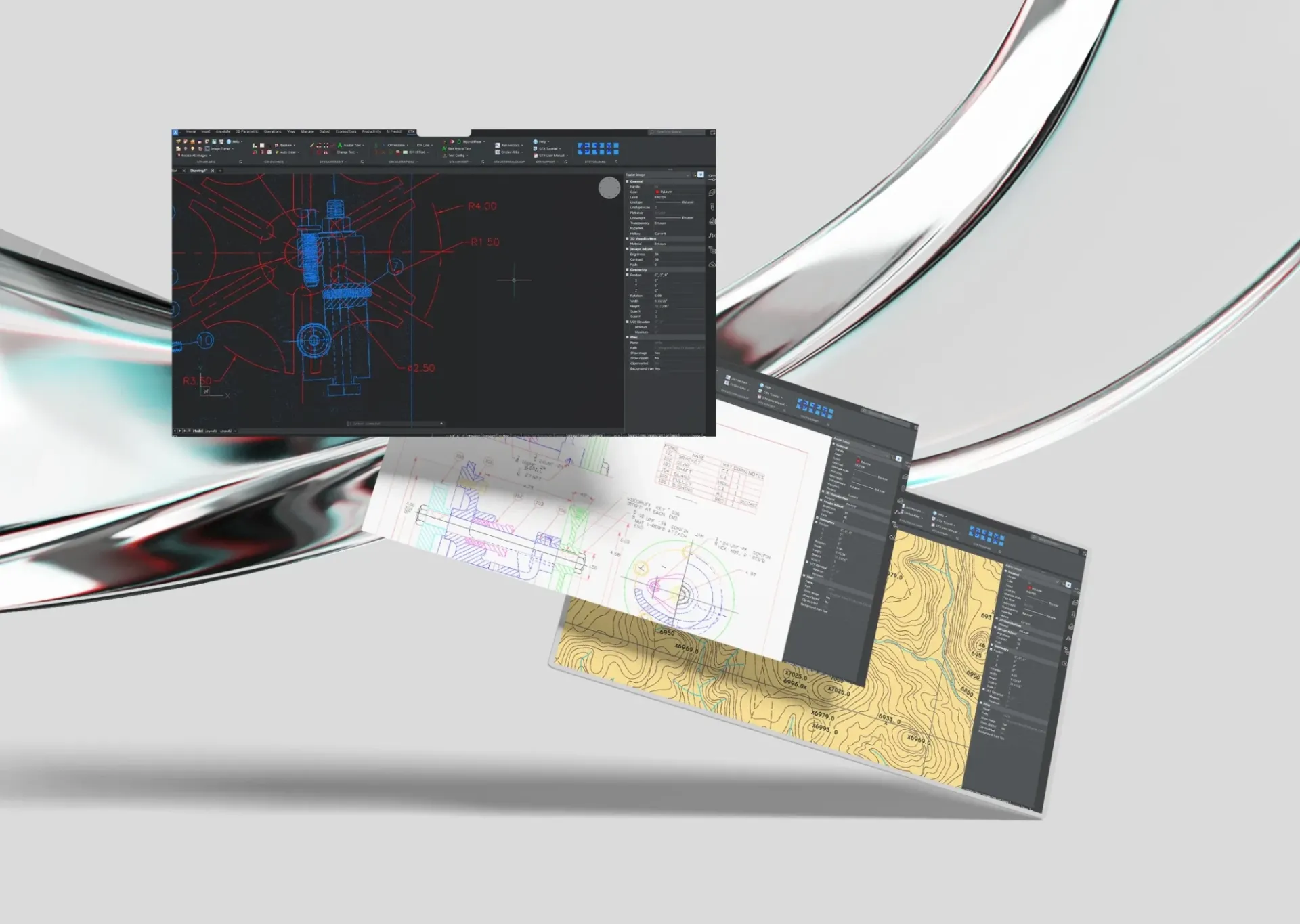
Reduce your manual workload and increase efficiency for large-scale projects. You can edit, convert, and update drawings in minutes, making it an ideal solution in the process when your organization is transitioning legacy paper and raster image archives into modern digital formats.
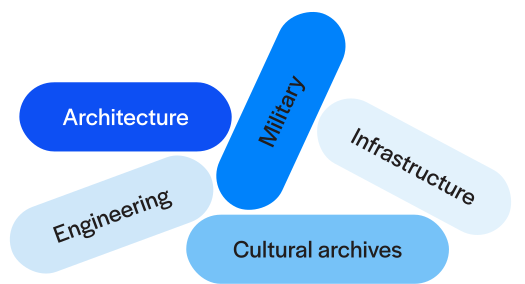
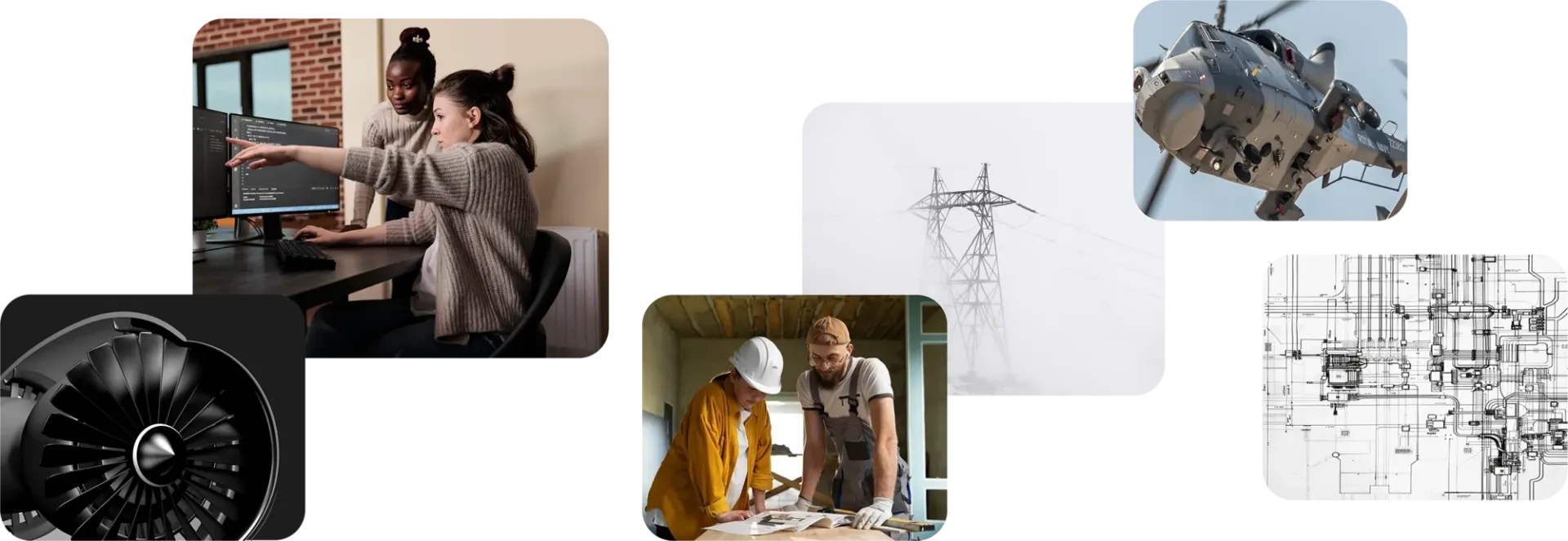
GTXRaster is used across multiple industries
Bridges the gap between paper archives and the digital era

Top-rated by engineers, project managers and experts
GTX software – the way you want it
Use GTX as a stand-alone product or as a plugin in your favorite CAD software for a seamless workflow.
Bring your organization’s heritage into the future
While digital CAD programs quickly evolved from novelty to near-universal adoption, the digitization and vectorization of legacy paper drawings have lagged behind. With GTX, you can bridge the gap between paper-based archives and modern digital workflows, ensuring seamless access and efficiency.