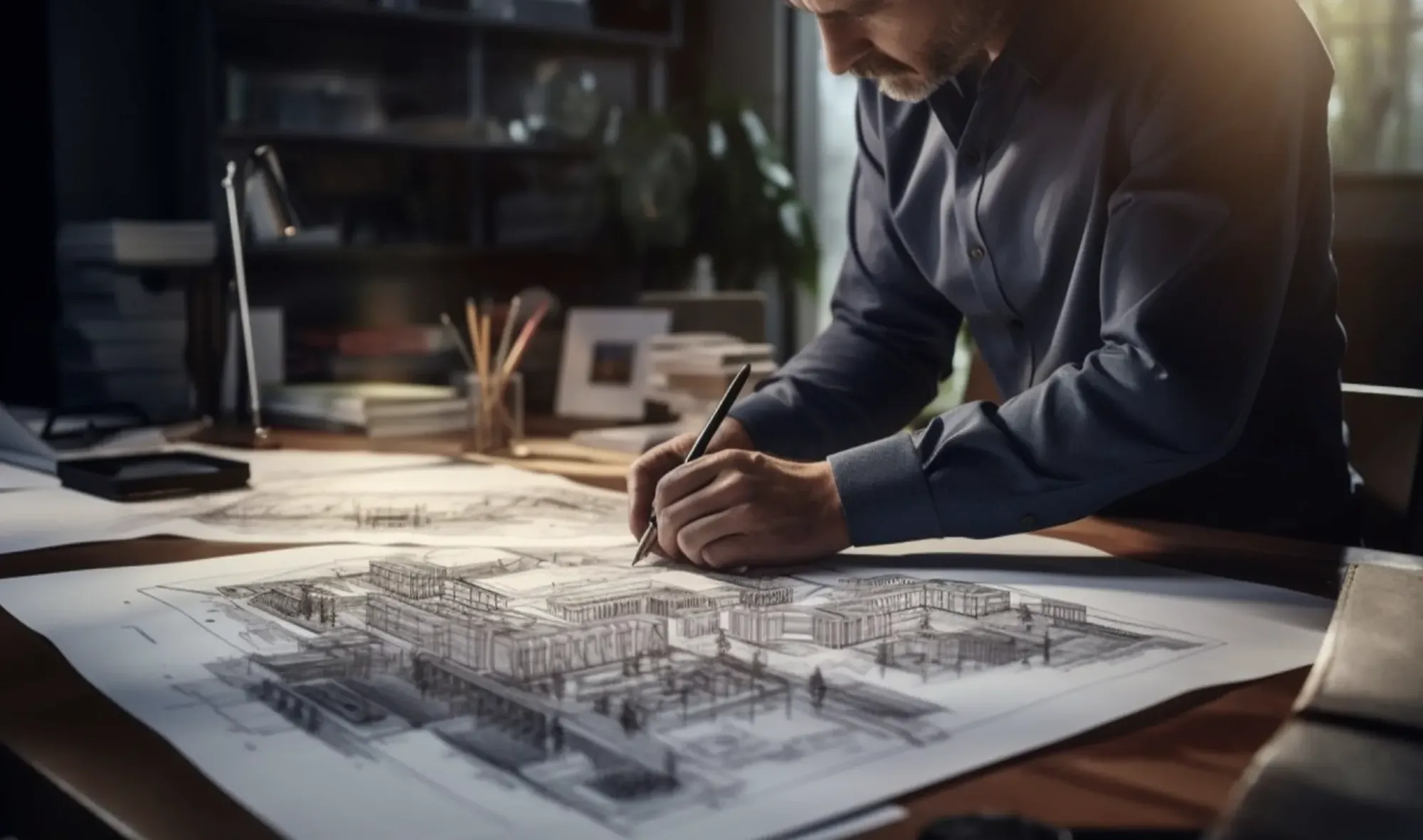
Intelligent Paper to CAD Solutions
Make paper assets digital and convert your drawing archive into true CAD “.dwg” format. Join thousands of other CAD users world-wide and future-proof your legacy drawings.
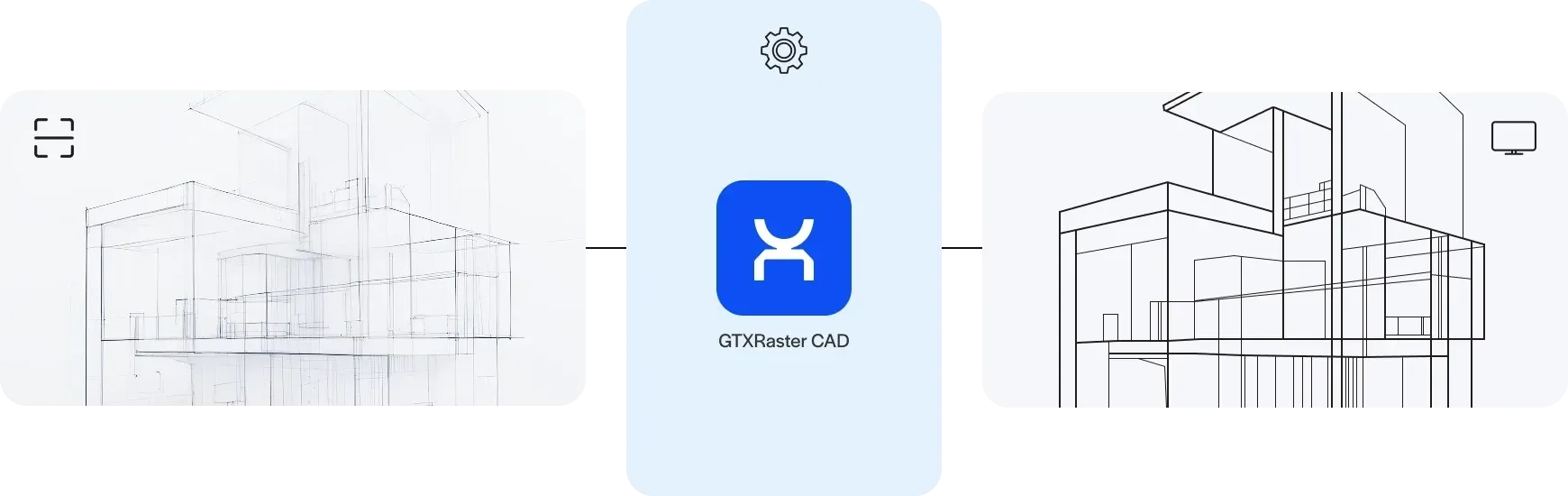










Transform you scanned TIFF & PDF drawings
in today’s CAD-driven era
Instantly edit, clean up, and convert raster drawings to DWG format. Use hybrid editing and vector overlays.
Work smarter, not harder with raster drawings
Precision. Simplicity. Control.
GTXRaster CAD simplifies the modification of paper-based archives, providing seamless access to raster drawings for editing or conversion into vector .dwg format from within BricsCAD®, AutoCAD® or ZWCAD®. You can modify geometry without redrawing them or use automated raster-to-vector conversion.
GTXRaster CAD can assist your organization to future-proof its engineering archive. It eliminates manual redrawing or tracing errors, misalignments, and inconsistencies to ensure you get a streamlined, stress-free workflow.

GTX is available as either a Windows standalone solution to modify, enhance and raster-to-vector conversion, or as a plugin to your preferred CAD program to allow for a seamless work environment. We provide a single user license options as well as network floating licensing.
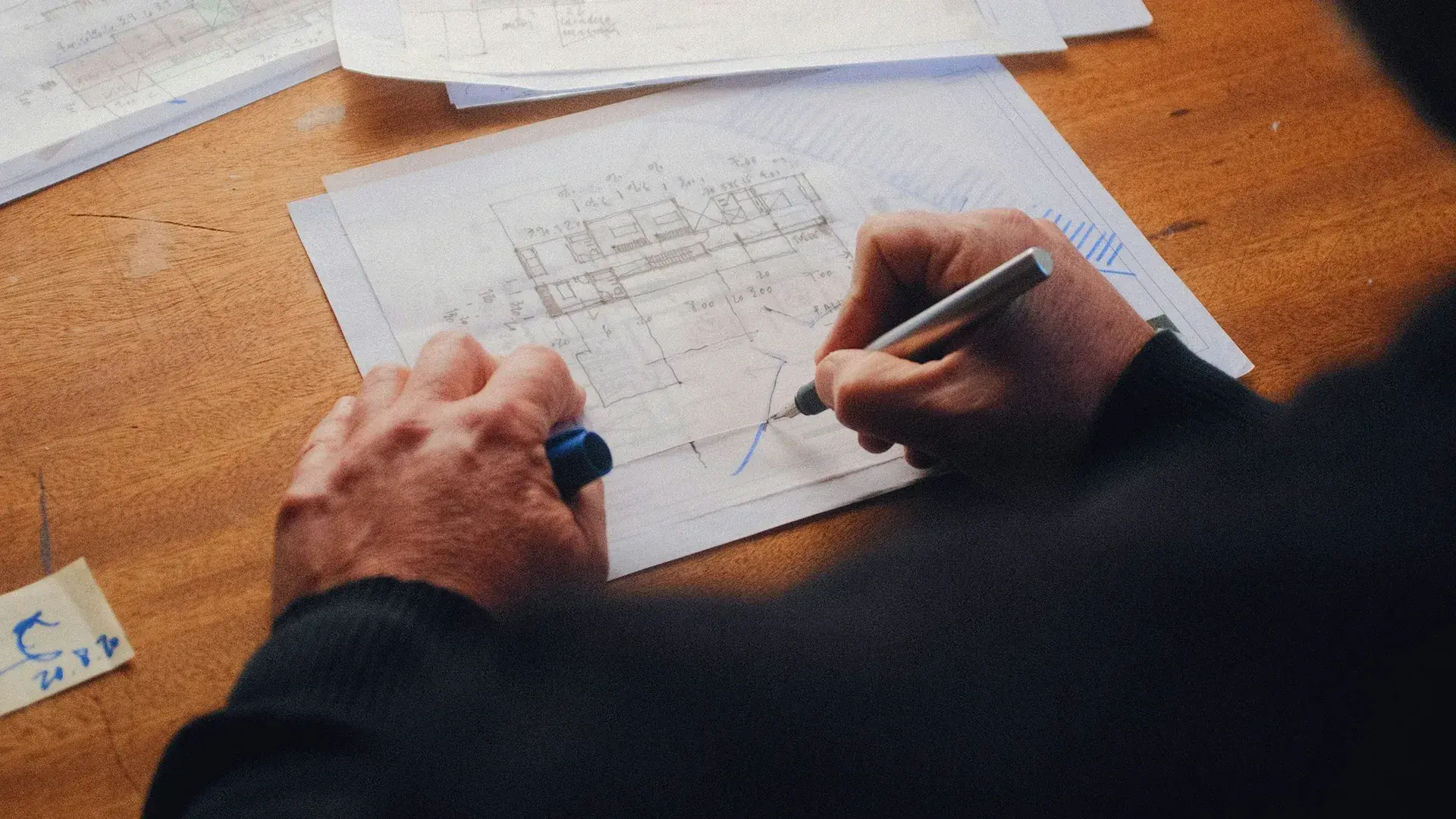
Transform your paper-based drawings into digital assets. Get seamless access to raster drawings for modification or for conversion into vector format.
Unlock the full potential of your legacy engineering drawings with GTXRaster CAD. Whether you’re managing historical engineering plans, technical blueprints, or schematics, GTX helps you convert, edit, and optimize your drawings — so you can focus on engineering, not redrawing or tracing. GTX ensures instant access to your legacy data, allowing users to open, edit, modify, and convert drawings effortlessly.
No need for time-consuming manual tracing — GTX enables fast raster cleanup, hybrid editing, and automated vectorization, letting engineers refine scanned drawings just like native CAD files.
You can process multiple scanned drawings simultaneously with batch processing, reducing your manual workload and boosting productivity in large-scale projects. GTXRaster CAD eliminates tedious formatting errors, ensuring every document meets engineering standards.
Upgrade your legacy drawings today. GTX makes it effortless.